





John Smith
Marketing Specialist
Most of my campaign briefs already contain the right information—they just aren't presentation-ready. PPT Maker helps Agent find the story, organize the message and give me a deck I can actually build on.
Turn ideas, notes & PDFs into structured, editable slides with Agent.
 DeepSeek V4
PPT Maker turns text, PDFs, articles and videos into presentation-ready slides. Let AI Agent shape the story or Creative bring it to life. Start free.
Built on reliable AI technology for fast, professional presentation creation. Trusted by students, educators, and professionals worldwide.











PPT Maker is an AI-powered presentation tool that turns text, PDFs, articles and videos into presentation-ready slides. Agent analyzes your content, shapes the story and builds a structured deck, while Creative transforms your ideas into visually rich slides you can refine page by page with prompts.
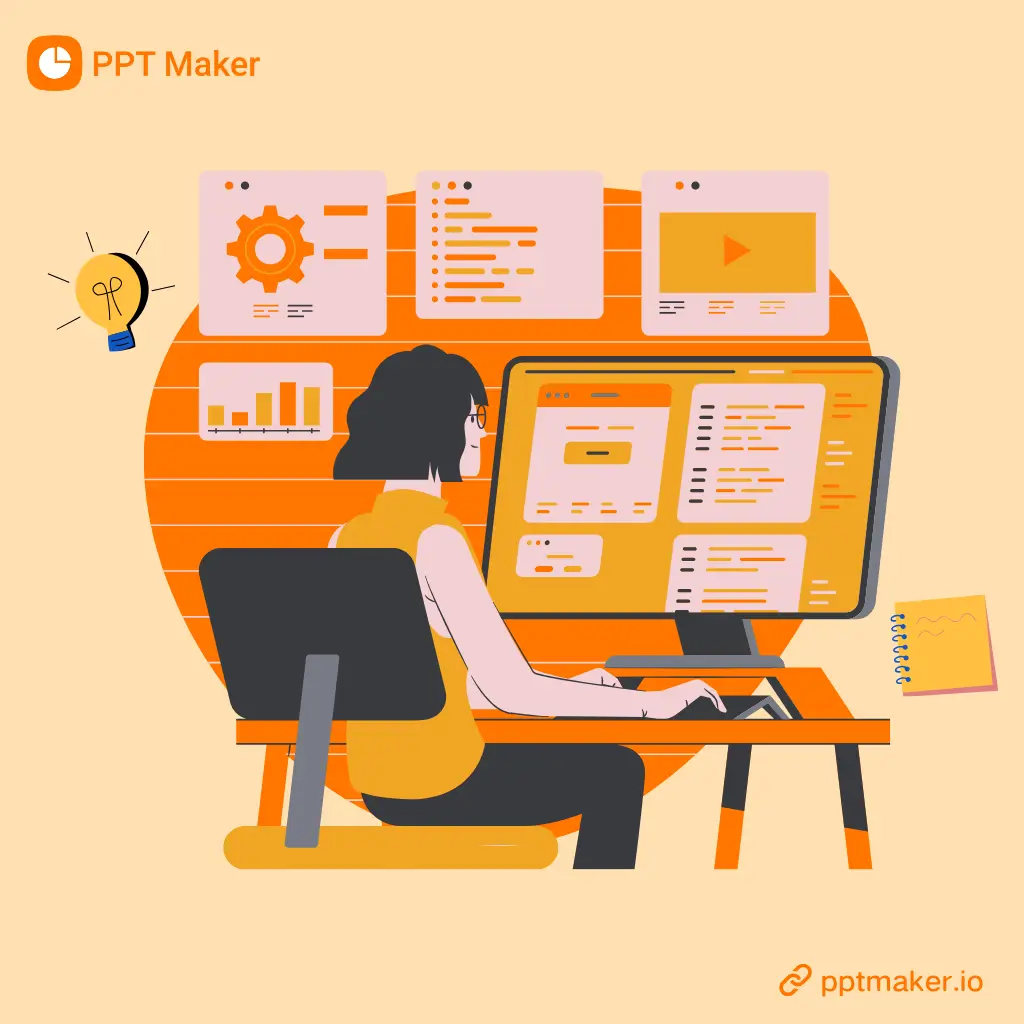
PPT Maker brings content planning and visual creation into one streamlined workflow. Choose Agent to build clear, structured decks or Creative to produce visually rich slides, then refine the result without starting over.
Add a topic, text, PDF, article or video to PPT Maker. Agent identifies the key ideas, shapes the narrative and organizes your content into a logical slide sequence, reducing the time spent outlining and structuring a presentation.
Creative turns your ideas into visually engaging slides designed around the content. Instead of relying on repetitive bullet-point layouts, each page uses a richer visual approach to communicate your message.
Need to change one page? Describe what you want, and PPT Maker can regenerate that slide while keeping the rest of your deck unchanged. This gives you more control without rebuilding the entire presentation.
Follow these 3 simple steps to get your professional PPTs with PPT Maker.
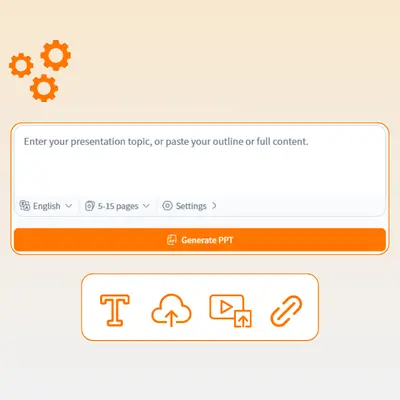
Enter a topic, paste text, or add a PDF, article or video to PPT Maker. Select Agent for a structured deck or Creative for a more visual presentation, then set your language and slide preferences.
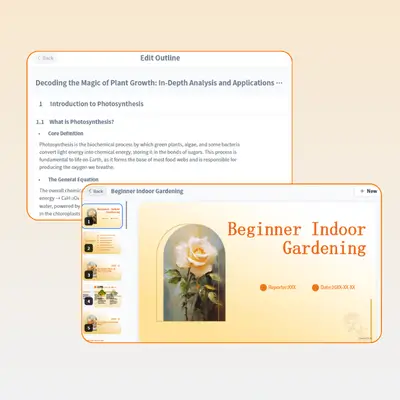
PPT Maker organizes your content into a clear outline before generating the slides. Review the structure, edit key points, and add, remove or reorder sections to match your presentation goals.
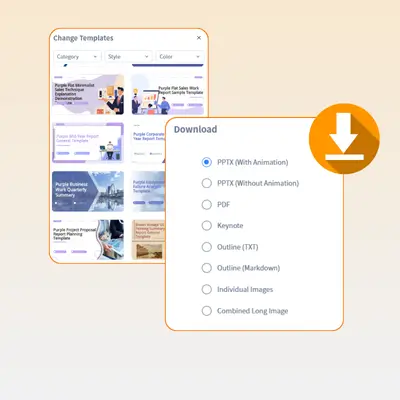
Generate your presentation and review each slide in PPT Maker. Refine individual pages with prompts without rebuilding the entire deck, then export the finished presentation when it is ready.
John Smith
Marketing Specialist
Most of my campaign briefs already contain the right information—they just aren't presentation-ready. PPT Maker helps Agent find the story, organize the message and give me a deck I can actually build on.

Sarah Johnson
High School Teacher
I uploaded my lesson notes expecting a rough draft. What surprised me was how naturally the slides followed the way I teach. I could fix the outline first instead of correcting twenty pages afterward.

Emily Davis
University Student
Honestly, starting is usually the hardest part. I drop in my research, move a few sections around, and suddenly the presentation feels manageable. Creative is especially useful when I want it to look less like a class assignment.

Daniel Clark
Project Manager
Meeting notes change constantly, so rebuilding an entire deck is not practical. With PPT Maker, I can update the story and refine one slide without disrupting everything the team has already reviewed.

Michael Thompson
Office Administrator
I'm not interested in learning complicated design software—I just need clear slides that communicate the information. The Agent workflow is straightforward, and I always know what to review before generating the deck.

Jason Reed
Corporate Trainer
My training decks need structure, but they also need enough visual variety to keep people engaged. Agent handles the sequence; Creative helps me rethink individual pages when a concept needs more impact.